> For the complete documentation index, see [llms.txt](https://support.kea.ai/llms.txt). Markdown versions of documentation pages are available by appending `.md` to page URLs; this page is available as [Markdown](https://support.kea.ai/taking-payments-with-voice-ai/enabling-kea-pay-for-pickup-and-delivery-orders.md).
# Enabling Kea Pay for pickup & delivery orders
Learn how your AI can take payments with Kea Pay for pickup and delivery. Our built-in feature that sends dynamic payment links to customers with digital wallets, making checkout quick and easy.
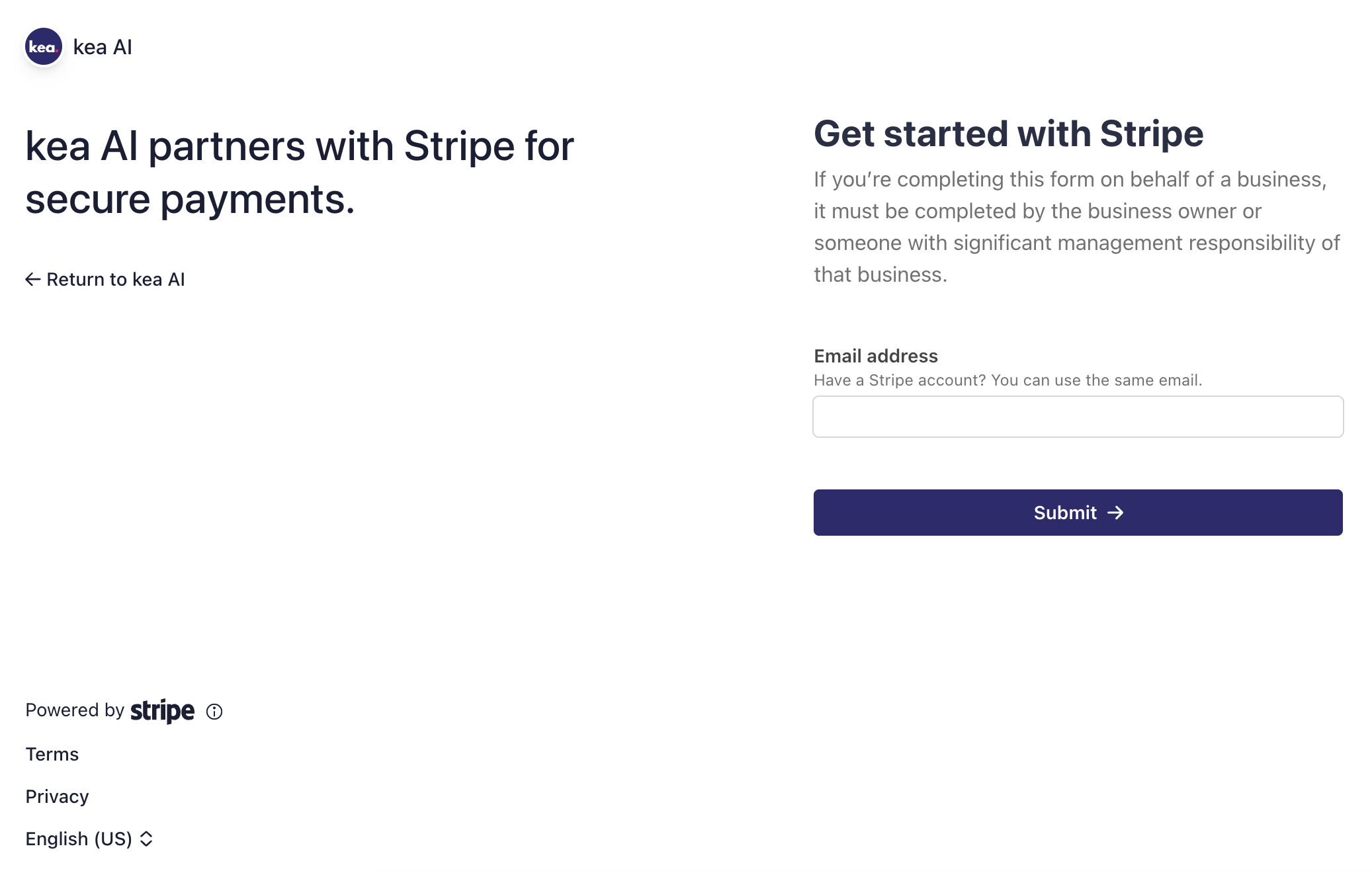
kea AI uses Stripe to securely process restaurant payments for pickup and delivery orders. Most POS systems lack the technology and secure APIs for passing native payment links to Voice AI. We went all-in and built the best mobile payment experience for Voice AI. Helping eliminating the need for customers to fumble or struggle reading credit cards over the phone to speed up the ordering process. Our payment collection also supports digital wallets like Apple & Google Pay.
Follow the below steps to provide your business and bank details so we can collect orders & transactions on your behalf to send directly to your bank account the following business day. Once setup you will be able to revisit this space to see live [transactions & payout details](/how-to-see-past-transactions-payouts-and-process-refunds.md).
{% hint style="info" %}
kea Pay also comes with payment reminders and call feedback collection at the end of each payment.
{% endhint %}
{% stepper %}
{% step %}
### Log into kea AI Portal.
Visit [app.kea.ai](https://app.kea.ai/) to log into your account.
{% endstep %}
{% step %}
### In the top right corner of the kea AI app, click your avatar.
Here a dropdown will open up with a list of options.
{% endstep %}
{% step %}
{% endstep %}
{% step %}
### Click Integrations
Clicking will open up a banner of options like 'Olo' and '**Balance & Transfer**'
{% endstep %}
{% step %}
### Click Balance & Transfers
This will take you to our stripe supported page which will allow you to enter your business and bank details. Once your details are approved you can enabled 'Pay-now' with **kea Pay**.
When collecting payment for orders via **kea Pay** we send deposits directly to your bank that was provided. Click below to enable **kea Pay.**
{% endstep %}
{% endstepper %}
Enable Pay-now
**Have further questions? Feel free to contact our support team here via SMS or Call: 📲** [**(650) 709-2993**](sms:+16507092993)
---
# Agent Instructions
This documentation is published with GitBook. GitBook is the documentation platform designed so that both humans and AI agents can read, navigate, and reason over technical content effectively. Learn more at gitbook.com.
## Querying This Documentation
If you need additional information that is not directly available in this page, you can query the documentation dynamically by asking a question.
Perform an HTTP GET request on the current page URL with the `ask` query parameter, and the optional `goal` query parameter:
```
GET https://support.kea.ai/taking-payments-with-voice-ai/enabling-kea-pay-for-pickup-and-delivery-orders.md?ask=&goal=
```
`ask` is the immediate question: it should be specific, self-contained, and written in natural language.
`goal` is optional and describes the broader end goal you are ultimately trying to accomplish on behalf of the user. GitBook uses it to tailor the answer towards what is most useful for that goal.
The response will contain a direct answer to the question and relevant excerpts and sources from the documentation.
Use this mechanism when the answer is not explicitly present in the current page, you need clarification or additional context, or you want to retrieve related documentation sections.